


01 / CUSTOMIZE
Design Your
Custom Kit
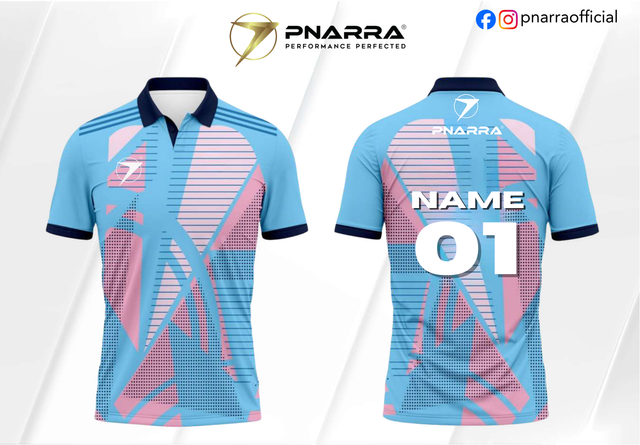
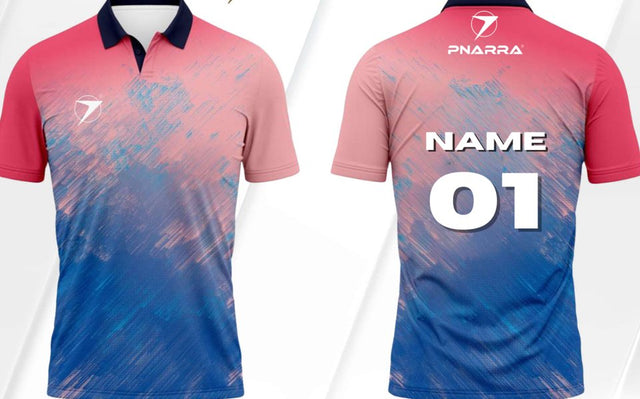
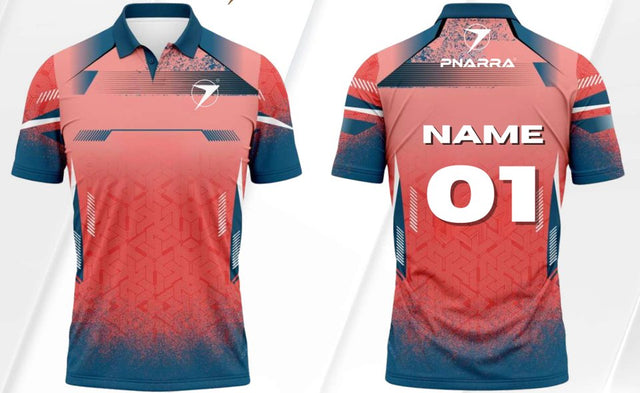
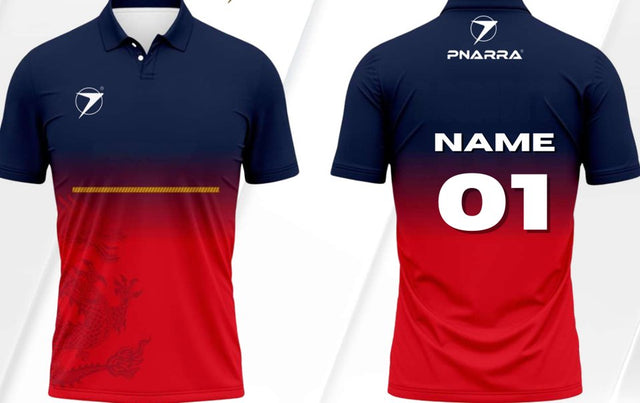
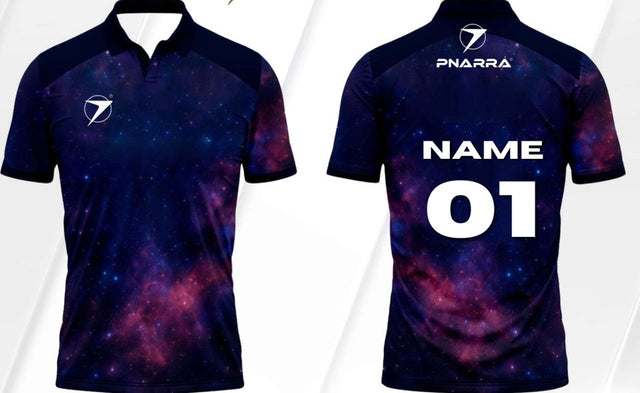
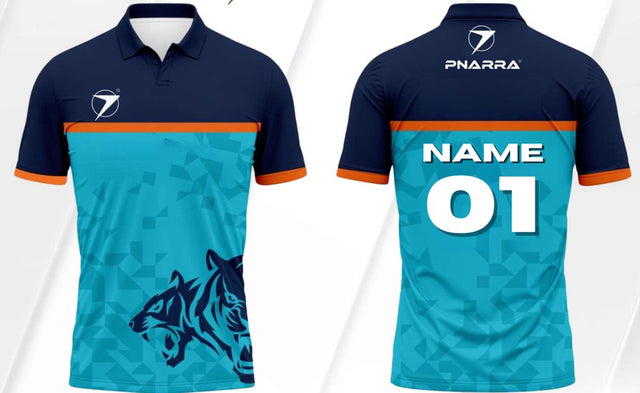
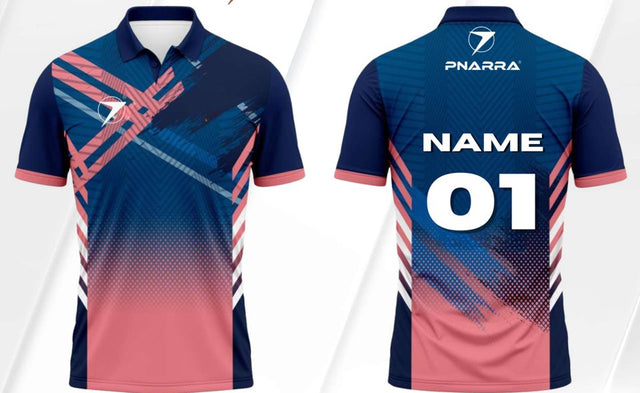
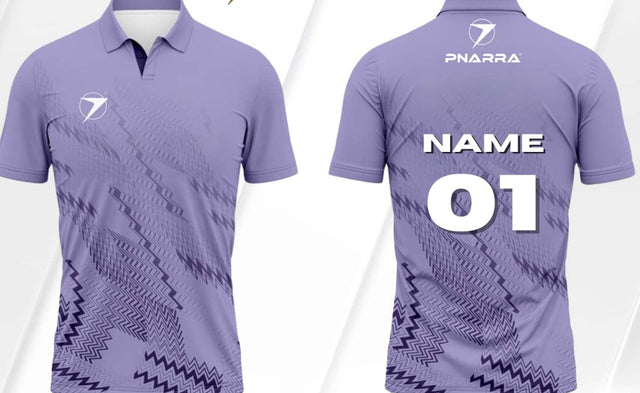
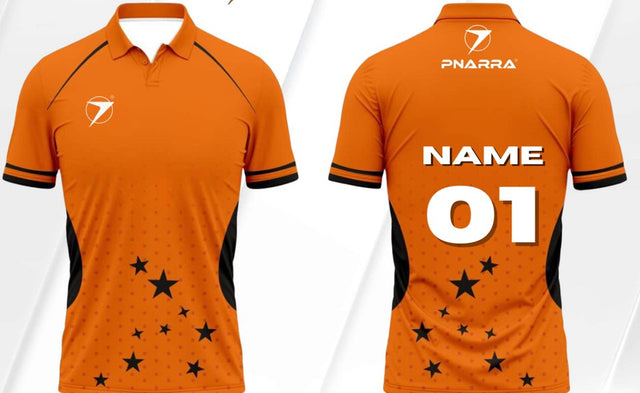
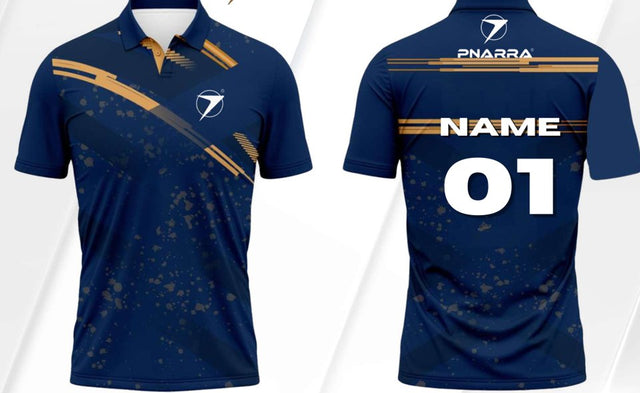
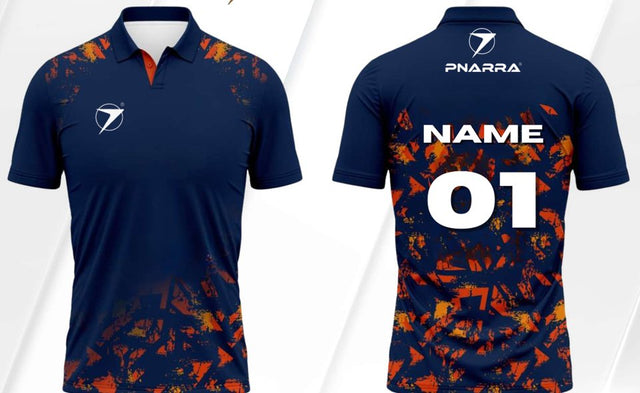
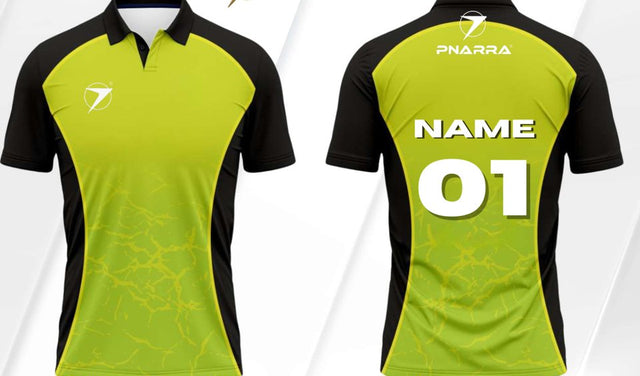
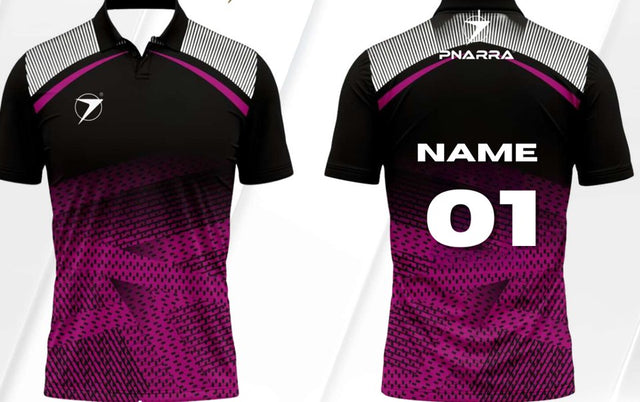
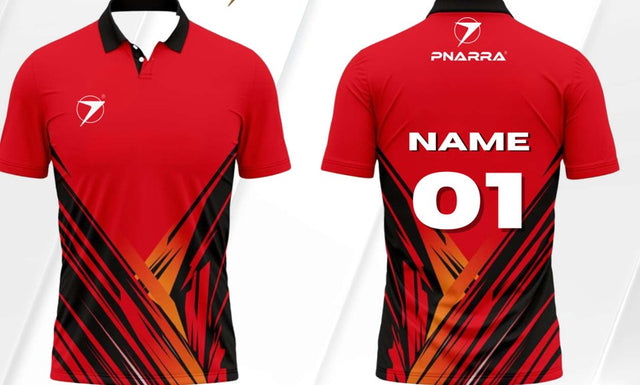
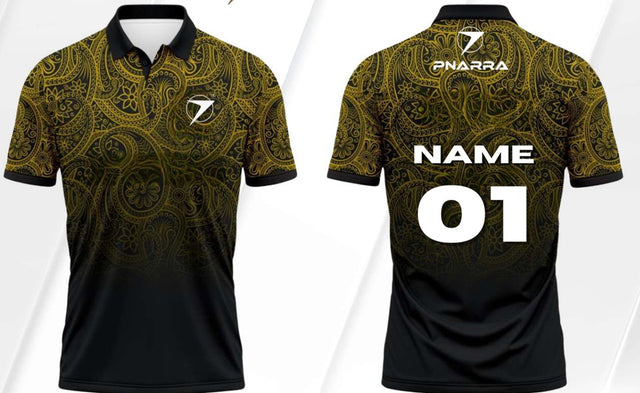
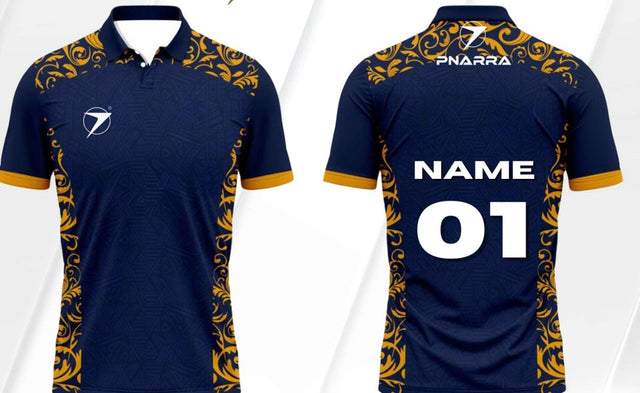
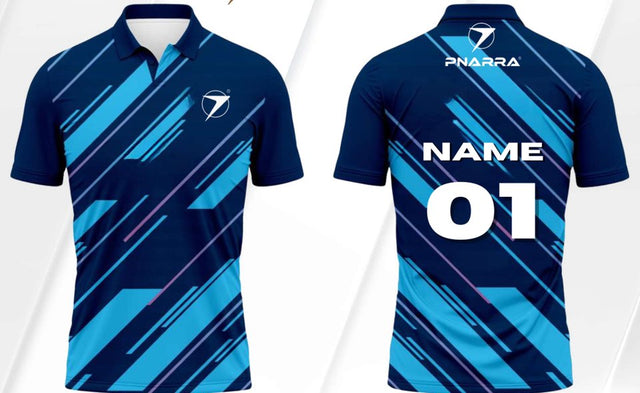
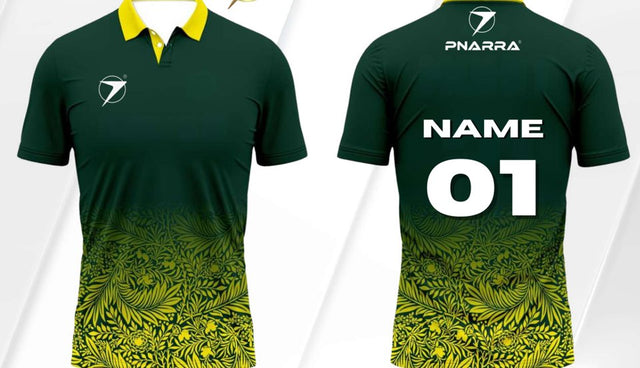
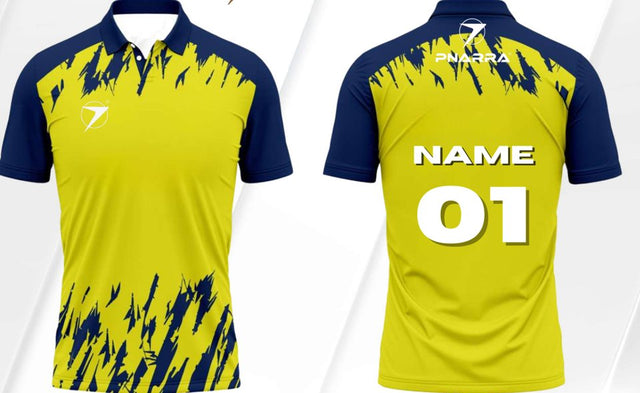
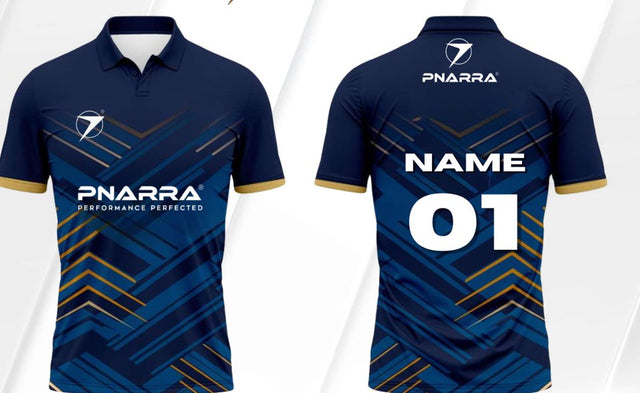
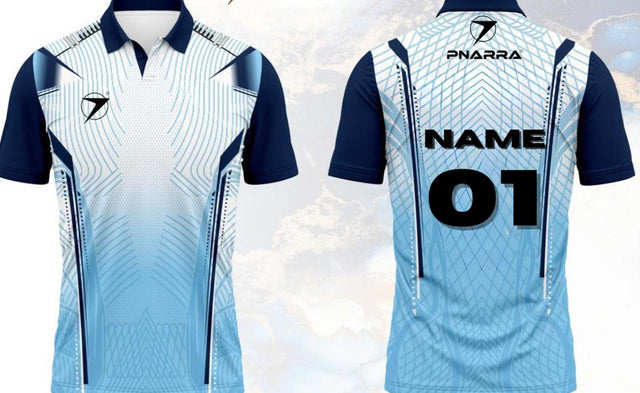
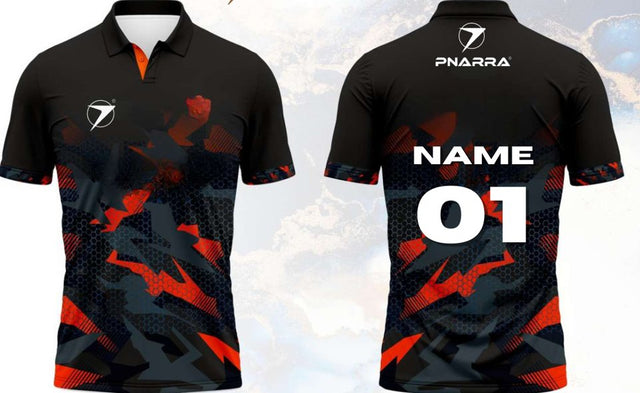
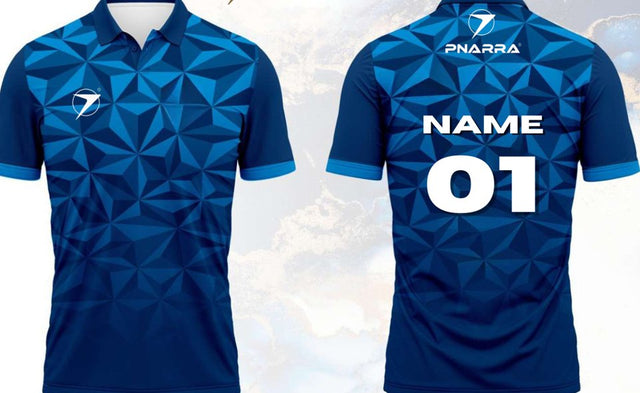
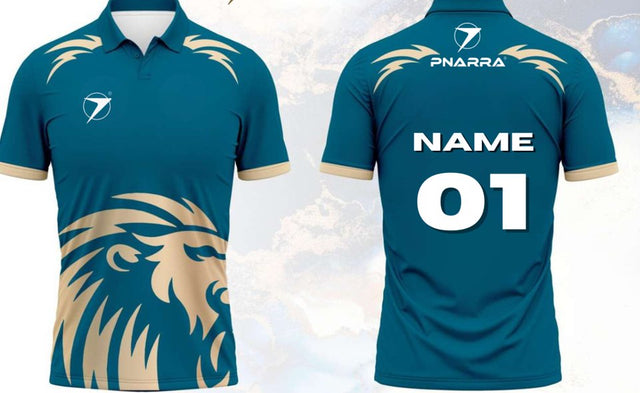
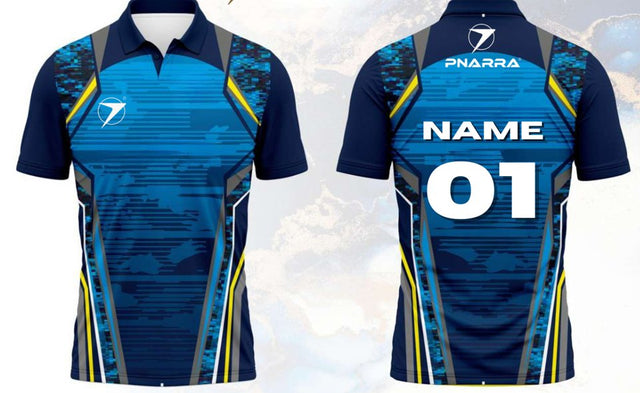
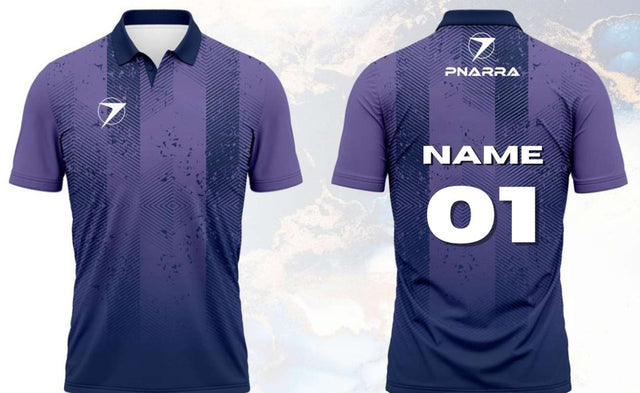
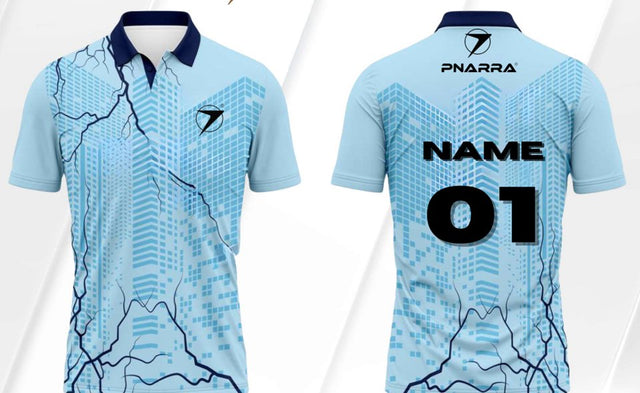
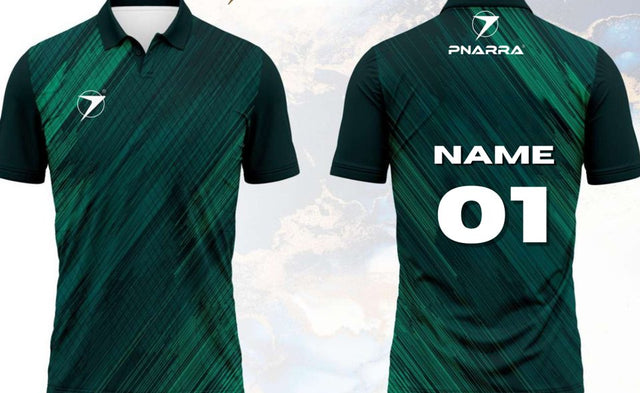
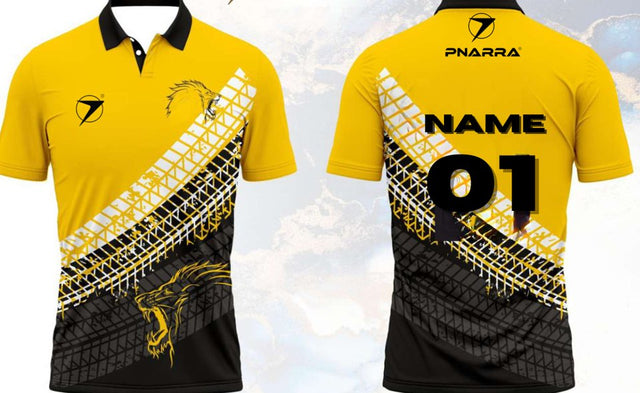
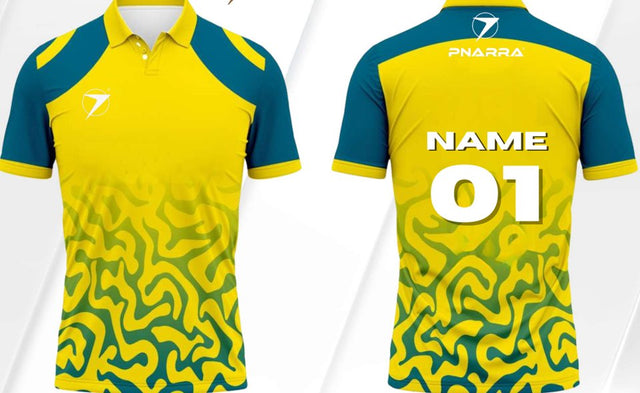
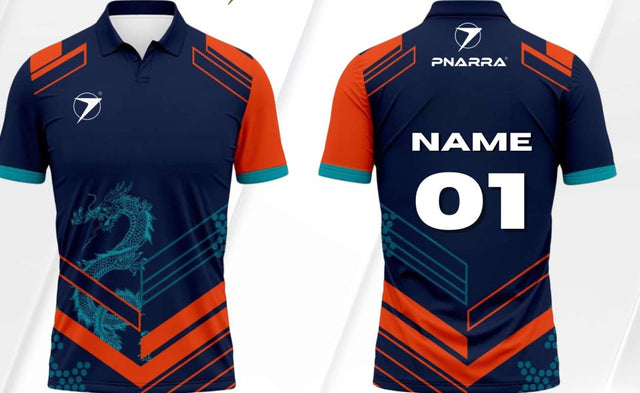
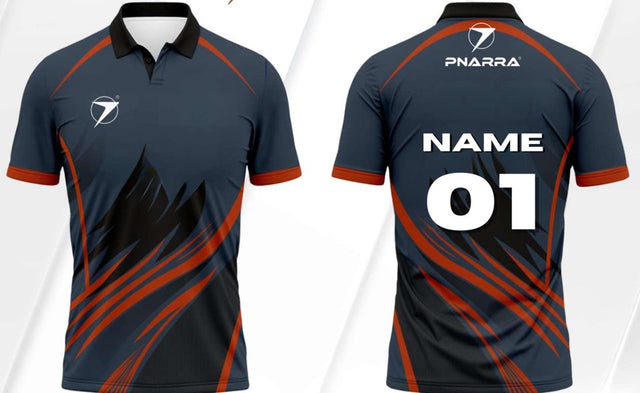
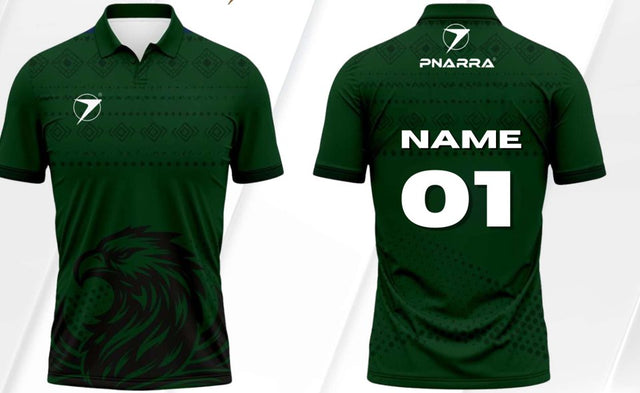
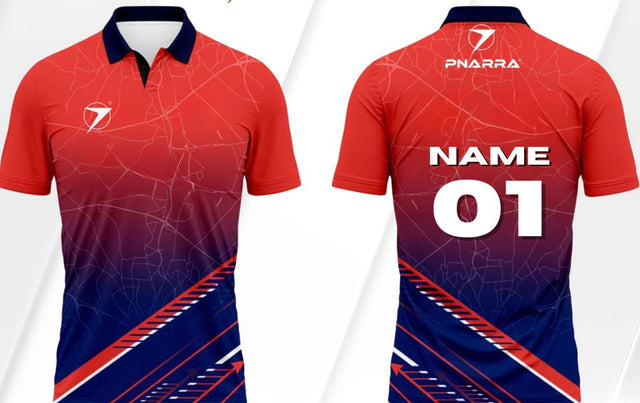
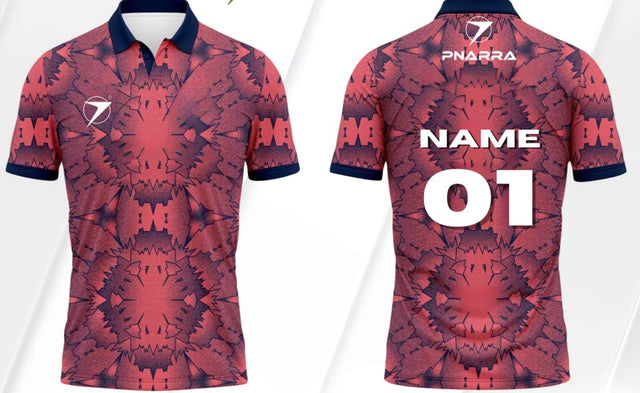
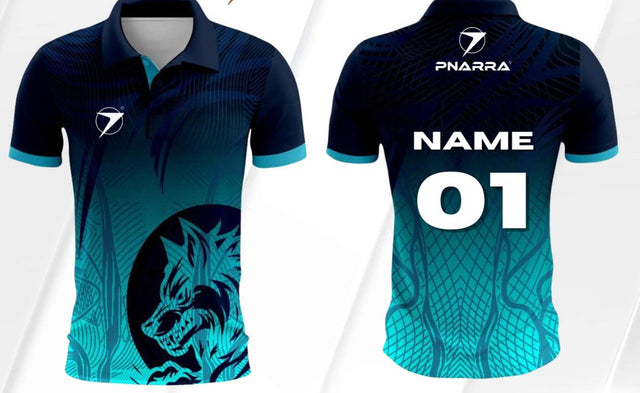
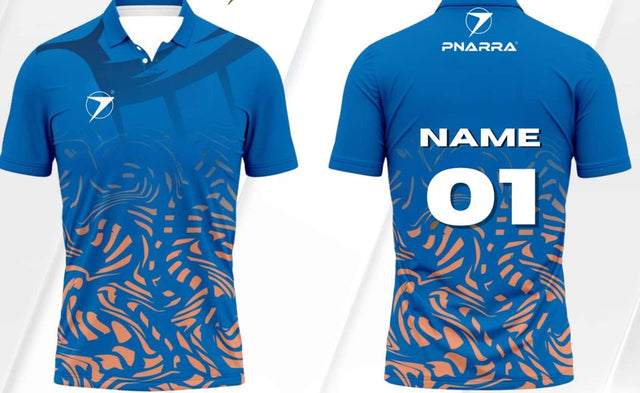
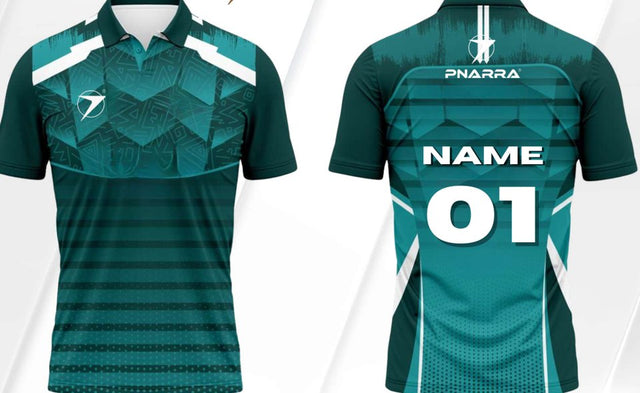
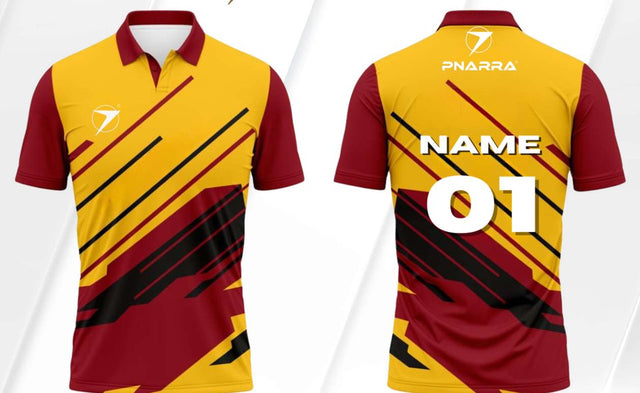
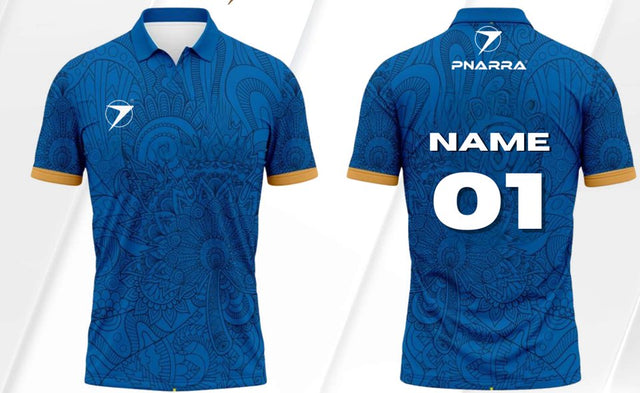
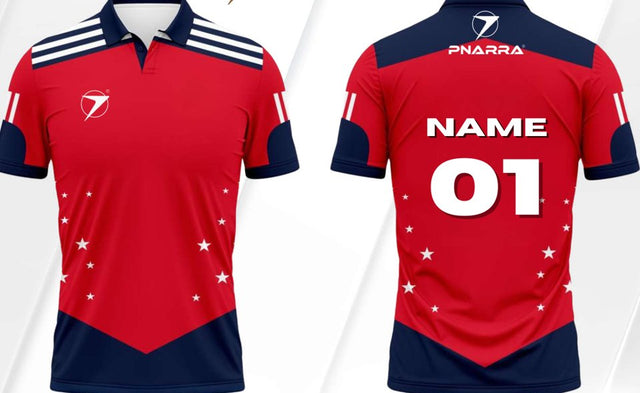
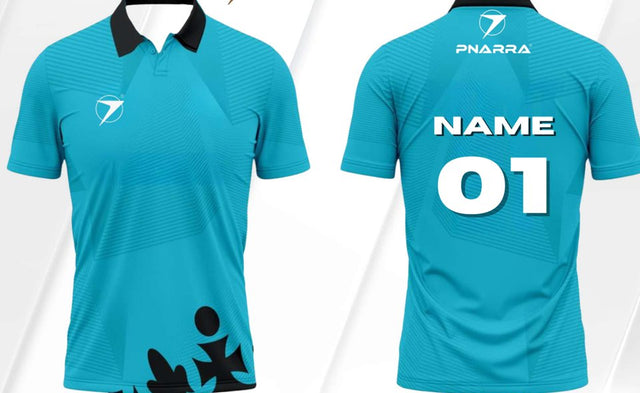
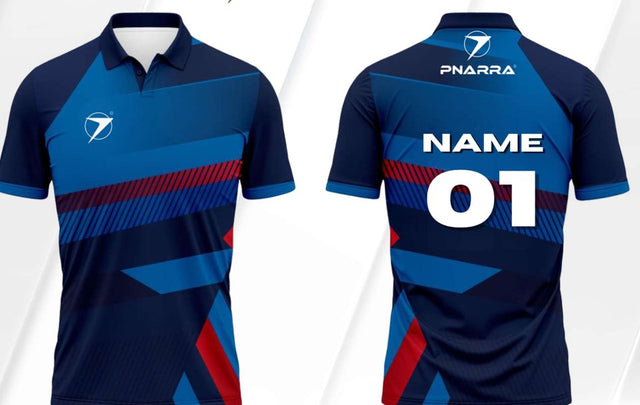
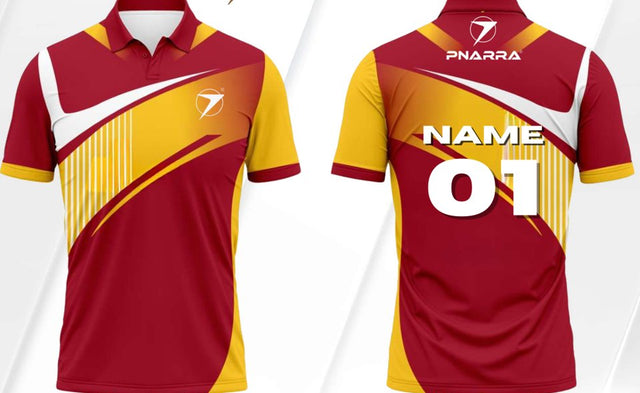
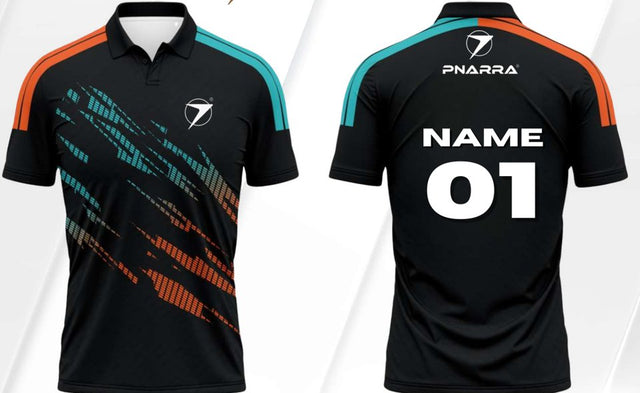
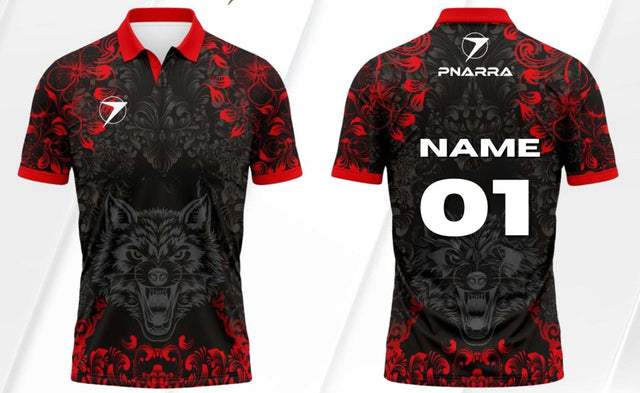
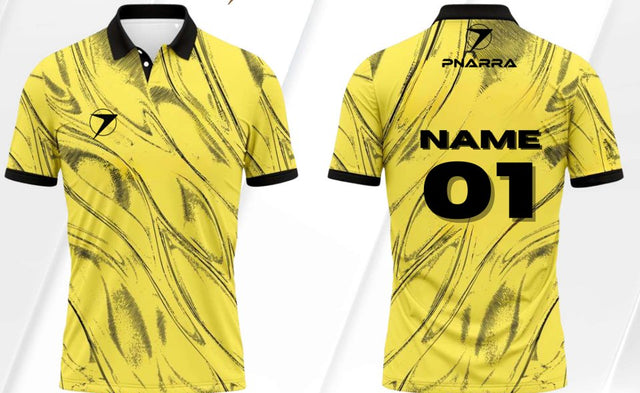
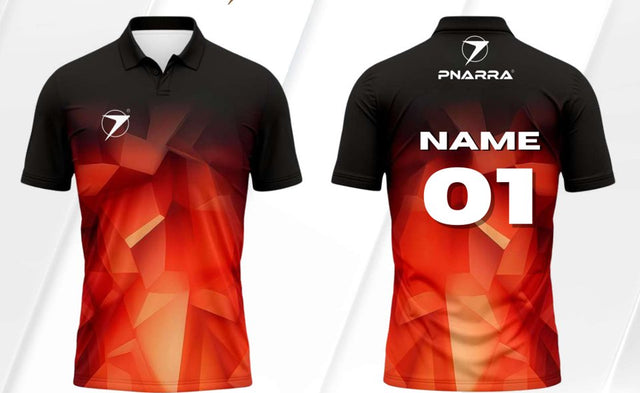
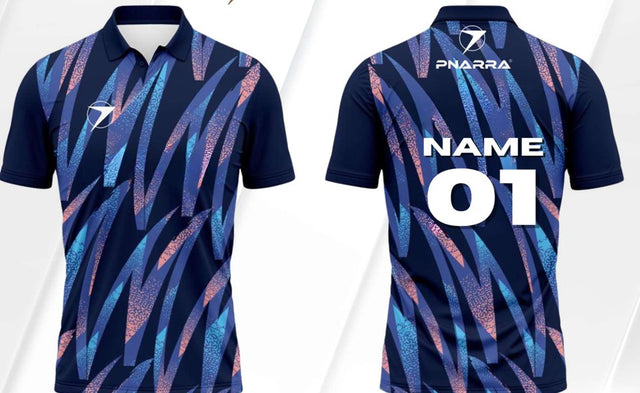
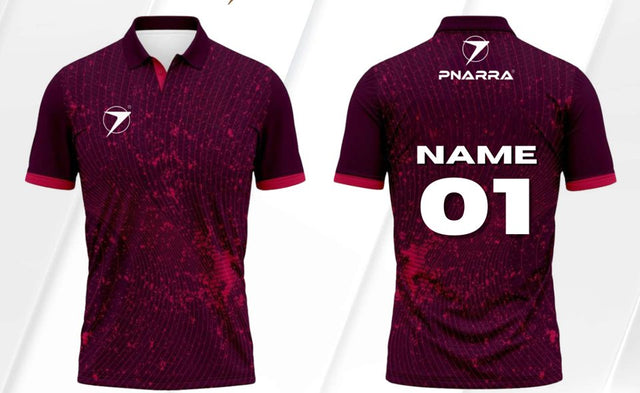
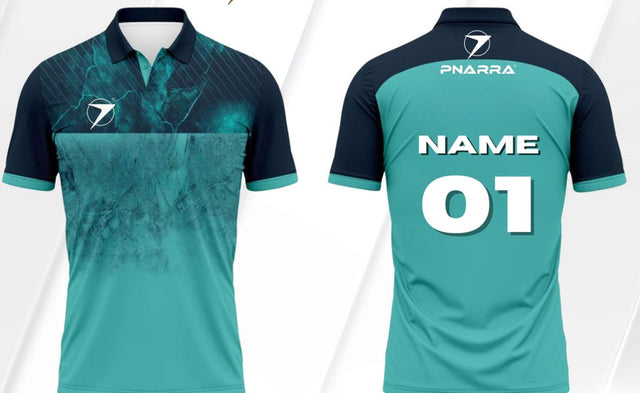
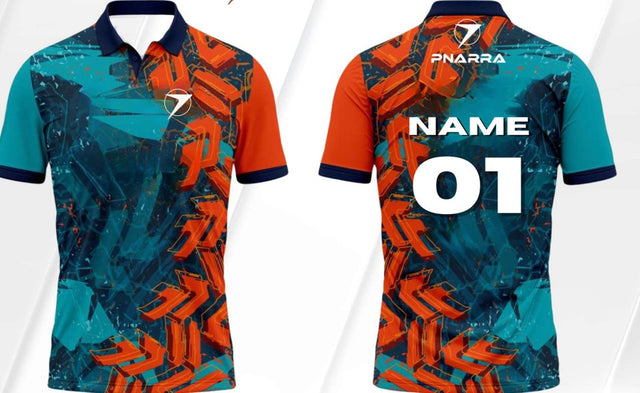
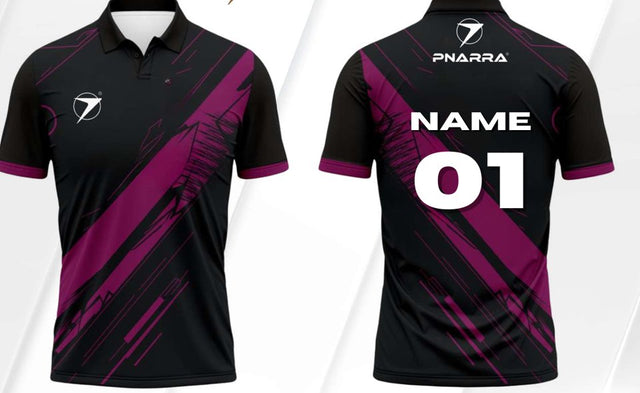
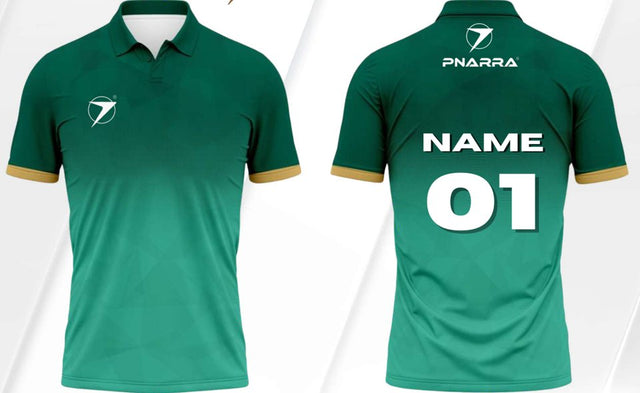
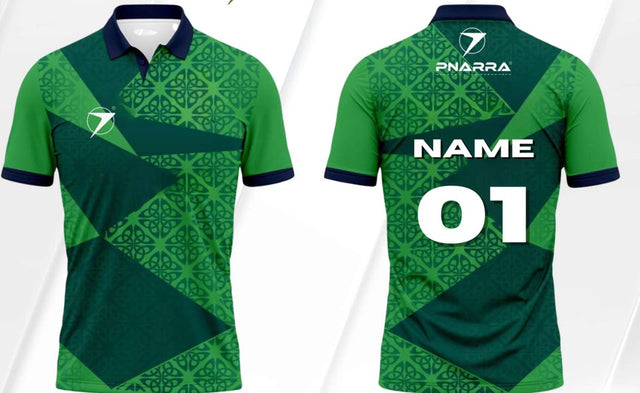
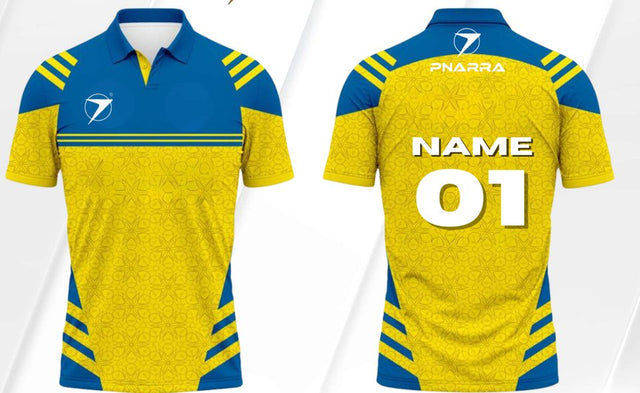
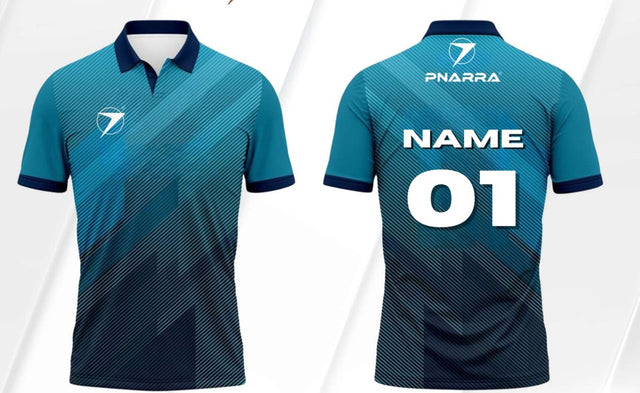
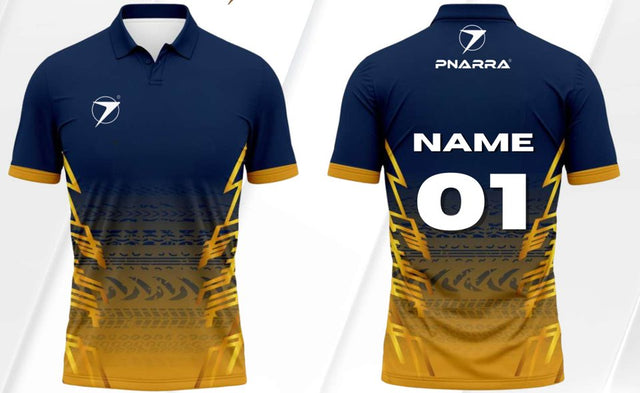
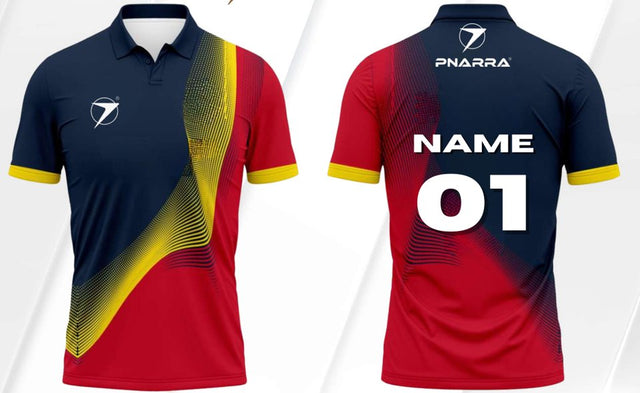
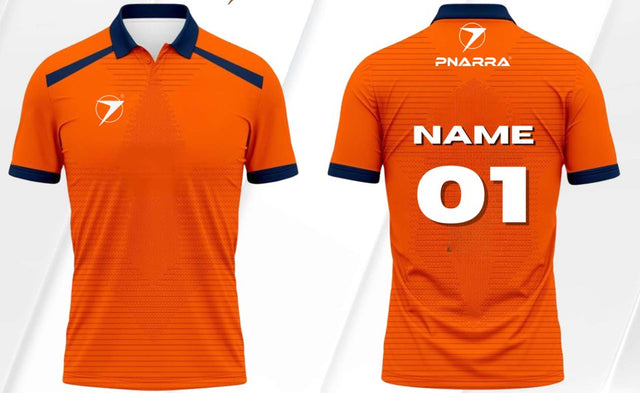
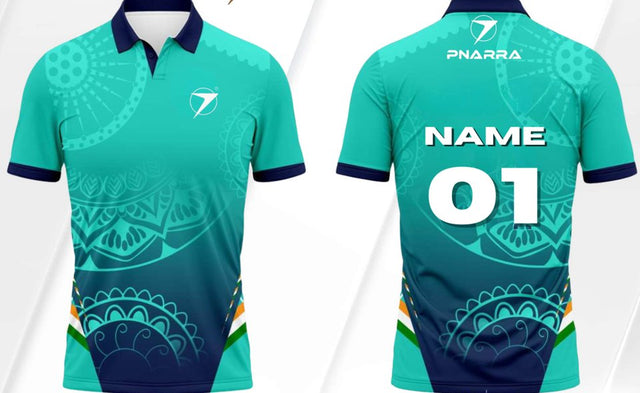
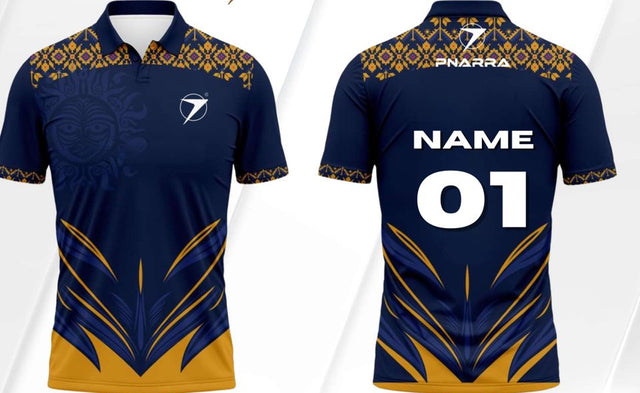
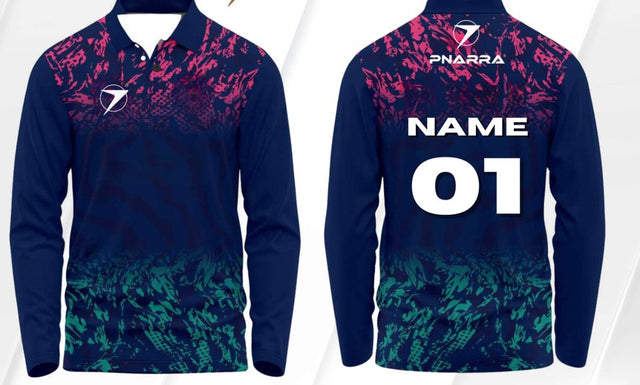
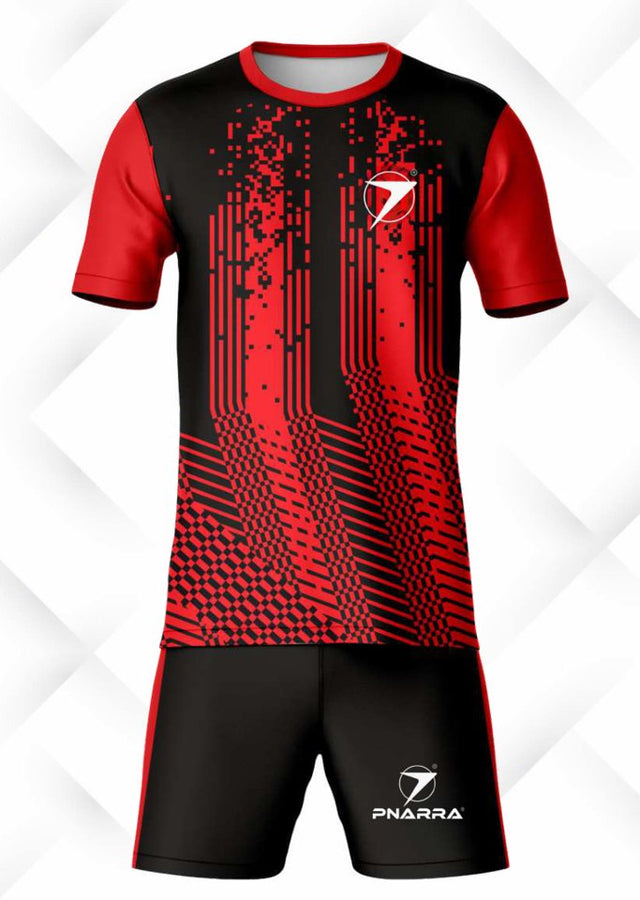
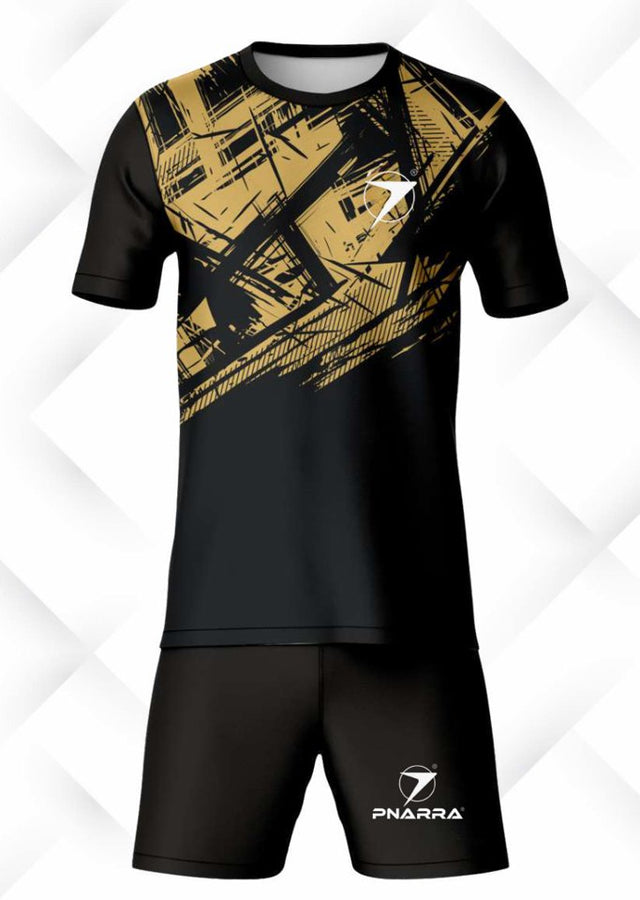
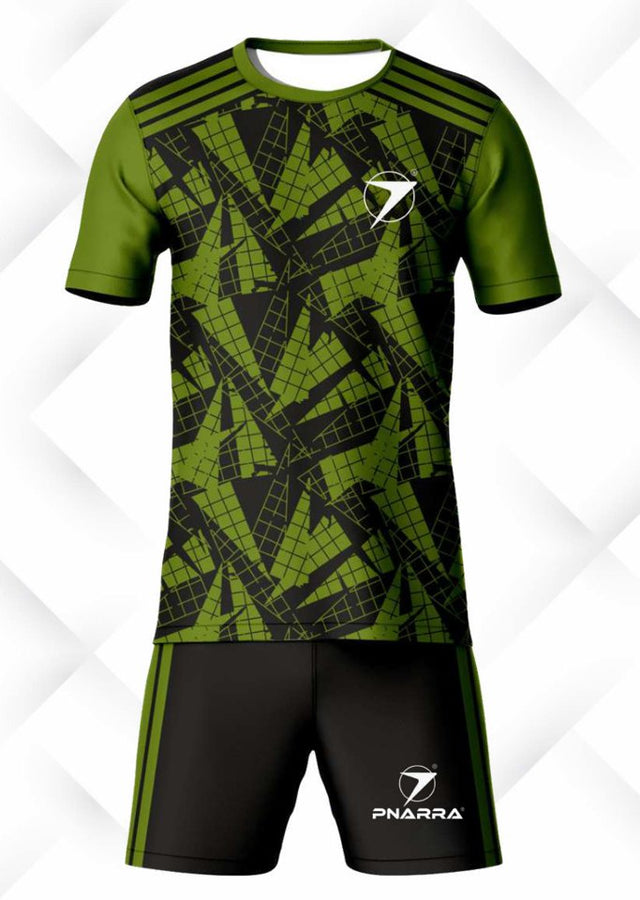
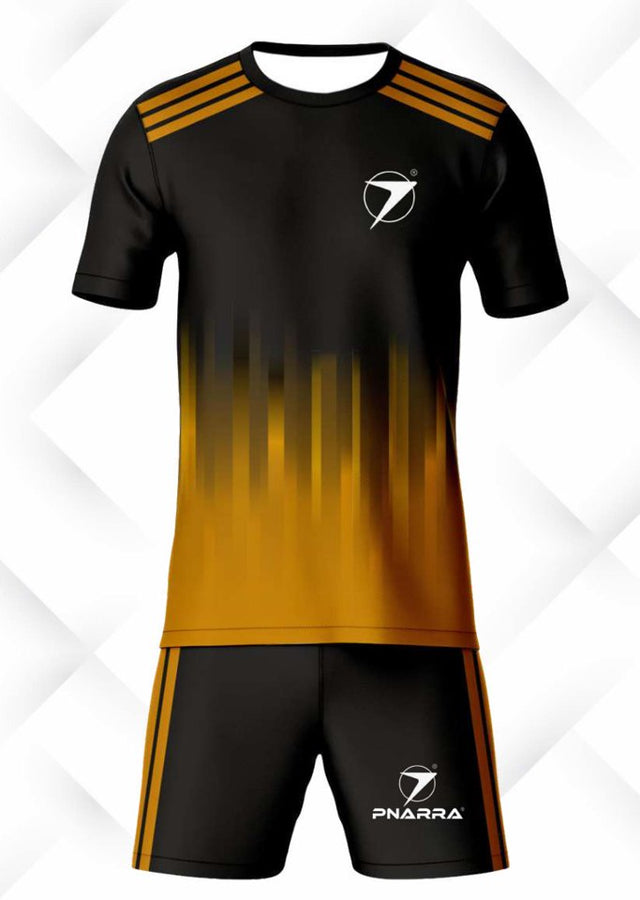
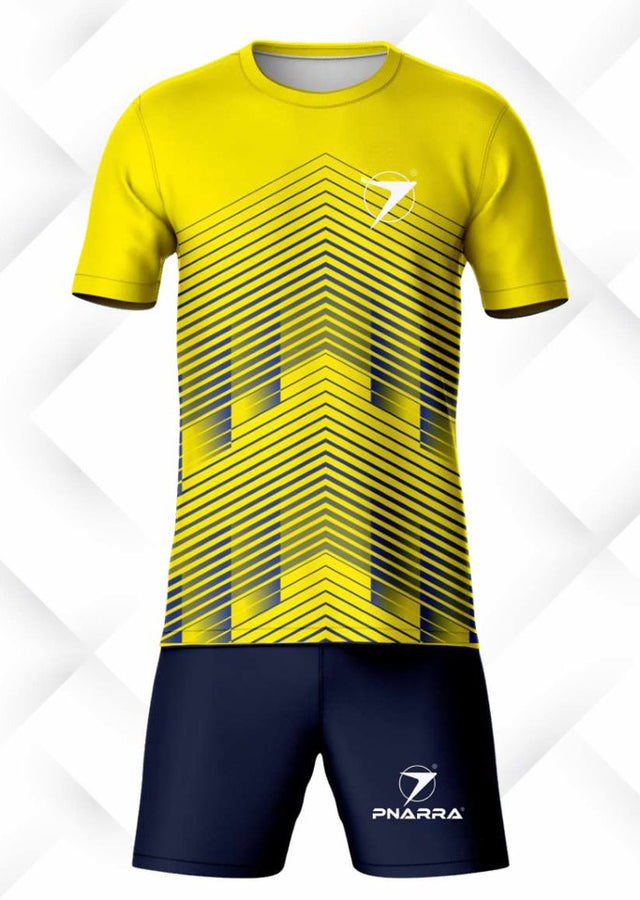
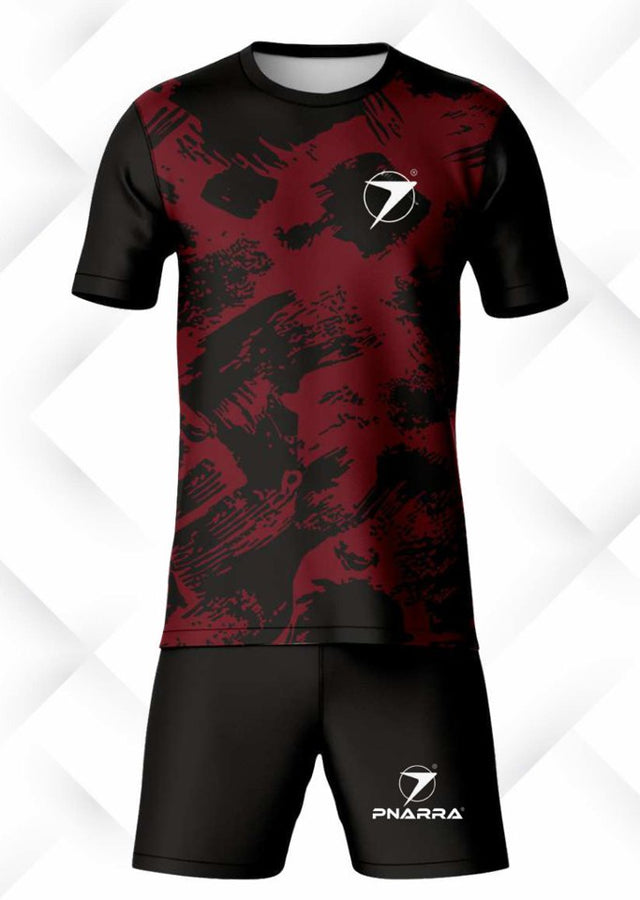
Choose an authentic PNARRA design, then add logos, player details and requested colors. Catalog colors remain unchanged in the preview.
Explore Designs AVAILABLE NOW


From Practice to Glory — PNARRA Your Story. Custom performance sportswear that carries your team identity onto every field.
 EMPOWERING ATHLETES EVERYWHERE.FROM PRACTICE TO GLORY — PNARRA YOUR STORY.
Four ways to bring your team identity to life.
Choose an authentic PNARRA design, then add logos, player details and requested colors. Catalog colors remain unchanged in the preview.
Explore Designs AVAILABLE NOWPreview your own front and back artwork, then add team specifications. Your selected originals are included automatically with your quotation.
Upload Artwork ↗Start from a blank garment or matching kit. Preview colors, patterns, collars, sleeves and artwork as you design.
Build Your Kit ↗Create matching caps and wide brim hats. Customize colors, logos and text, with separate quantities and hat sizes.
Design Headwear ↗Design your teamwear, upload artwork, or create matching caps and hats.
Este diseñador está disponible actualmente en inglés. Contactar con PNARRA.
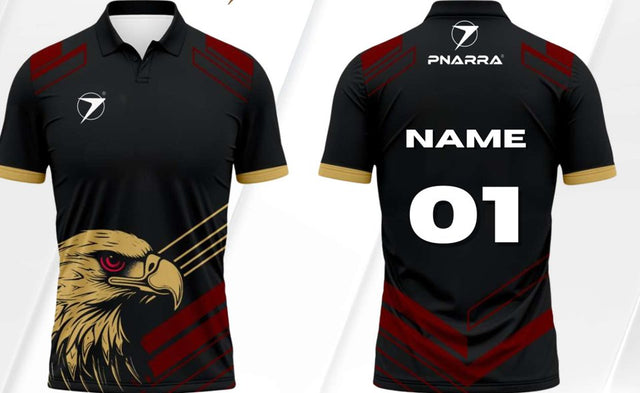
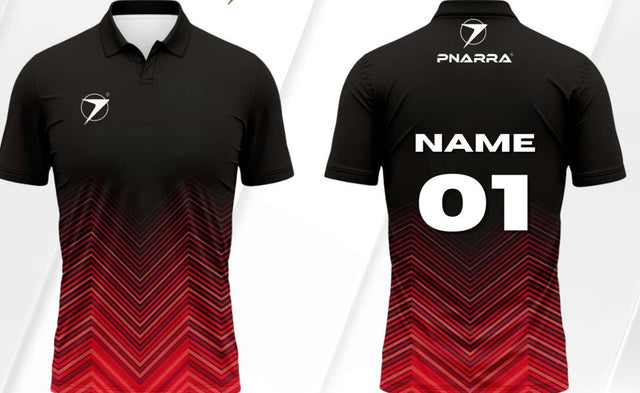
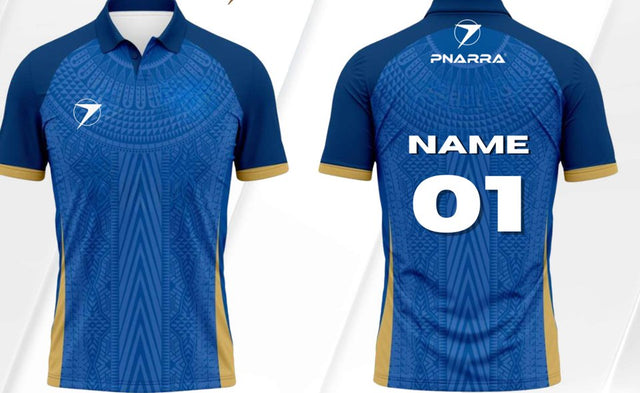
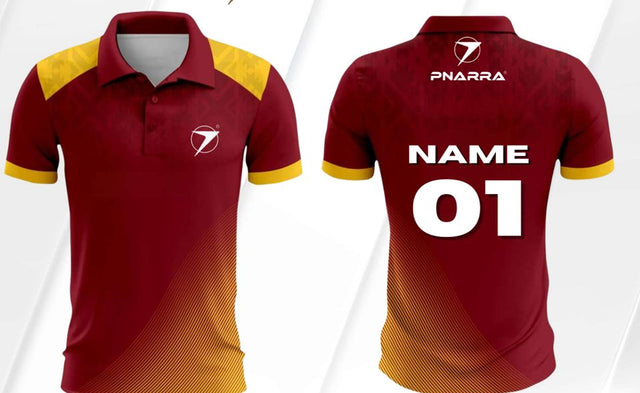
Choose an authentic PNARRA catalog design to customize.
Saves this project in this browser on this device: kit settings, selected template, artwork originals, four upload views, player roster and caps/hats. One saved project; saving replaces it. Contact details are excluded. Clearing browser data may remove it.
Make it a matching set or request headwear on its own.
Illustrative design preview. PNARRA will confirm construction, logo placement, decoration and sizing before production.
Use Name, Number, Cap Quantity, Hat Size, Hat Quantity. You can also upload a kit roster containing these optional columns. Headwear quantities are per player and independent of jersey quantities. Import here updates headwear only.
Download headwear CSV templateSave headwear colors, text, quantities, roster and selected logo originals in this browser. Save again after changes. This does not save your jersey/trouser design or contact information.
No designs match. Try a design code, color, or sport, or choose All designs.
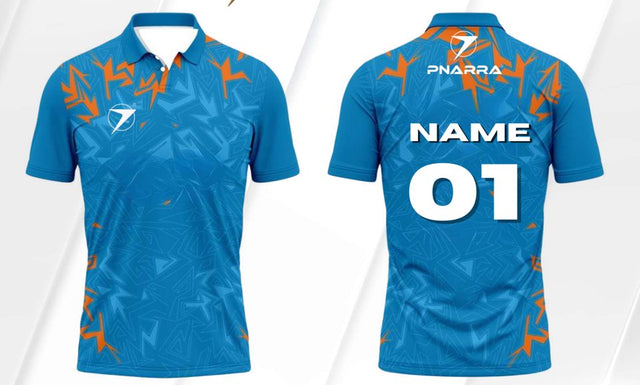
Personalize logos, player details and kit preferences
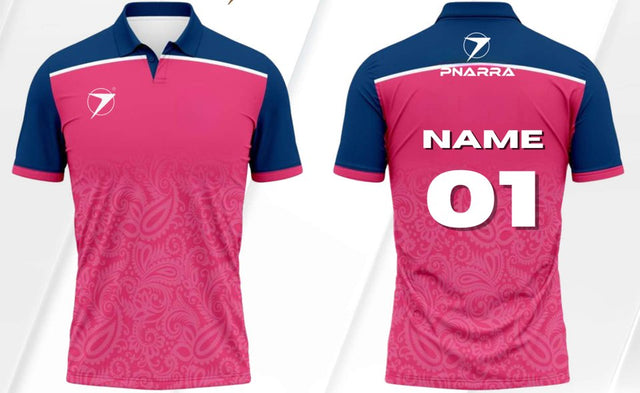
Personalize logos, player details and kit preferences
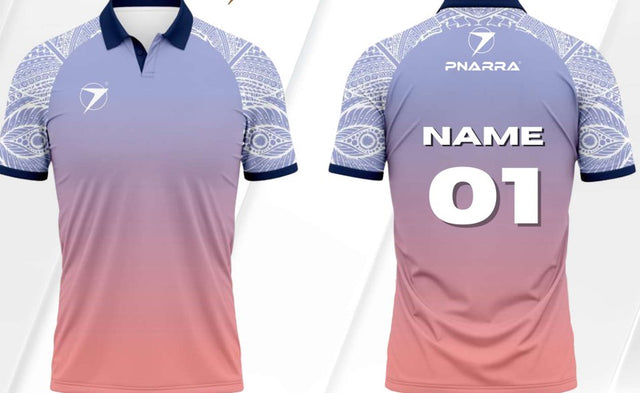
Personalize logos, player details and kit preferences
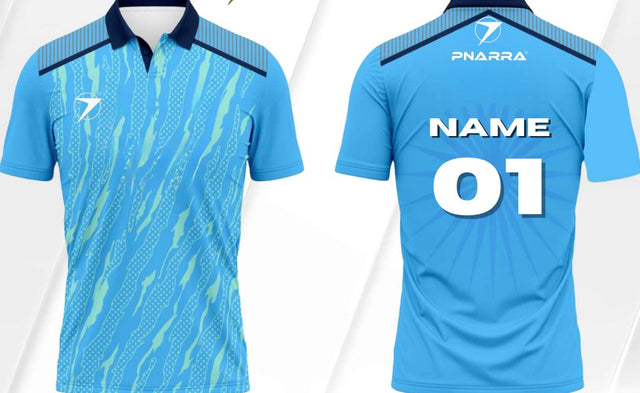
Personalize logos, player details and kit preferences
Personalize logos, player details and kit preferences
Personalize logos, player details and kit preferences
Personalize logos, player details and kit preferences
Personalize logos, player details and kit preferences
Personalize logos, player details and kit preferences
Personalize logos, player details and kit preferences
Personalize logos, player details and kit preferences
Personalize logos, player details and kit preferences
Personalize logos, player details and kit preferences
Personalize logos, player details and kit preferences
Personalize logos, player details and kit preferences
Personalize logos, player details and kit preferences
Personalize logos, player details and kit preferences
Personalize logos, player details and kit preferences
Personalize logos, player details and kit preferences
Personalize logos, player details and kit preferences
Personalize logos, player details and kit preferences
Personalize logos, player details and kit preferences

Personalize logos, player details and kit preferences
Personalize logos, player details and kit preferences
Personalize logos, player details and kit preferences
Personalize logos, player details and kit preferences
Personalize logos, player details and kit preferences
Personalize logos, player details and kit preferences

Personalize logos, player details and kit preferences
Personalize logos, player details and kit preferences
Personalize logos, player details and kit preferences
Personalize logos, player details and kit preferences
Personalize logos, player details and kit preferences
Personalize logos, player details and kit preferences
Personalize logos, player details and kit preferences
Personalize logos, player details and kit preferences
Personalize logos, player details and kit preferences
Personalize logos, player details and kit preferences
Personalize logos, player details and kit preferences
Personalize logos, player details and kit preferences
Personalize logos, player details and kit preferences
Personalize logos, player details and kit preferences
Personalize logos, player details and kit preferences
Personalize logos, player details and kit preferences
Personalize logos, player details and kit preferences
Personalize logos, player details and kit preferences
Personalize logos, player details and kit preferences
Personalize logos, player details and kit preferences
Personalize logos, player details and kit preferences
Personalize logos, player details and kit preferences
Personalize logos, player details and kit preferences
Personalize logos, player details and kit preferences
Personalize logos, player details and kit preferences
Personalize logos, player details and kit preferences
Personalize logos, player details and kit preferences
Personalize logos, player details and kit preferences
Personalize logos, player details and kit preferences
Personalize logos, player details and kit preferences
Personalize logos, player details and kit preferences
Personalize logos, player details and kit preferences
Personalize logos, player details and kit preferences
Personalize logos, player details and kit preferences
Personalize logos, player details and kit preferences
Personalize logos, player details and kit preferences
Personalize logos, player details and kit preferences
Personalize logos, player details and kit preferences
Personalize logos, player details and kit preferences
Personalize logos, player details and kit preferences
Personalize logos, player details and kit preferences
Personalize logos, player details and kit preferences
Personalize logos, player details and kit preferences
Personalize logos, player details and kit preferences
Personalize logos, player details and kit preferences

Personalize logos, player details and kit preferences

Personalize logos, player details and kit preferences
Personalize logos, player details and kit preferences
Personalize logos, player details and kit preferences
Personalize logos, player details and kit preferences
Personalize logos, player details and kit preferences

Personalize logos, player details and kit preferences

Personalize logos, player details and kit preferences

Personalize logos, player details and kit preferences

Personalize logos, player details and kit preferences

Personalize logos, player details and kit preferences

Personalize logos, player details and kit preferences
Personalize logos, player details and kit preferences
Personalize logos, player details and kit preferences

Personalize logos, player details and kit preferences

Personalize logos, player details and kit preferences

Personalize logos, player details and kit preferences
Size reference only. This is not a selectable kit design.
Original PNARRA measurements in inches.
Scroll sideways to see all measurements. Size labels follow the PNARRA reference chart.
Lay a well-fitting garment flat on a level surface. Smooth it without stretching. Measure garment dimensions, rather than body height.
Measure straight across from one underarm seam to the other. This is one flat width, not the full chest circumference.
Measure from the shoulder at the neckline to the bottom hem. Exclude the collar.
Measure from the top of the waistband to the bottom leg hem along the outside of the leg. This is the full outer length, not the inseam.
For shorts, use the same waistband-to-hem method, but confirm shorts measurements separately. Trouser length values do not apply to shorts.
Use the supplied PNARRA size values as a reference. The selected wearer category does not change this table; confirm the final fit and measurements with your quote.
| Size | Jersey / T-shirt | Trouser / Lower | |||
|---|---|---|---|---|---|
| Chest (flat width) | Top length | Thigh | Trouser length | Waist | |
| XXXL | 25 | 34 | 29 | 46 | 40 |
| XXL | 24 | 33 | 28 | 46 | 38 |
| XL | 23 | 32 | 27 | 44 | 36 |
| L | 22 | 31 | 26 | 41 | 34 |
| M | 21 | 30 | 25 | 40 | 32 |
| S | 20 | 29 | 24 | 39 | 30 |
| Y | 19 | 28 | 23 | 38 | 28 |
| B | 18 | 27 | 22 | 36 | 26 |
| SB | 17 | 26 | 21 | 34 | 24 |
| XSB | 16 | 25 | 20 | 32 | 22 |
| XXSB | 15 | 24 | 19 | 30 | 20 |
Save garment settings, up to 50 logo/artwork files, placements and team details in this browser on this device. Save again after changes. Clearing browser data may remove the draft. Original files still need attaching separately to your quote request.
Choose a garment and side below, then upload that view. Repeat for the other views you have. Each view accepts PNG, JPG, WEBP or PDF up to 10 MB. Images can be previewed; PDFs are listed by filename. Selected original files are included automatically with your enquiry.
Choose a view, then select its design file. You can switch views without losing selected files.
No file selected.
No file selected.
No file selected.
No file selected.
Save the four design-view files in this browser on this device. Save again after making changes. This saves artwork views only; logos, player details and other kit settings are not included. Files are not sent to PNARRA.
Restore fills empty views and keeps files already selected. Browser privacy settings or clearing site data may remove saved files.
Jersey / Top keeps your selected PNARRA design. Choosing Trousers / Lower adds the lower to this kit if needed. Its preview is a separate garment concept; matching the catalogue pattern requires PNARRA confirmation.
Check artwork by garment and side. Selecting a view keeps your settings and files.
Artwork marked Other is included in your quote; confirm its location in the notes.
Official catalogue reference image. Front and back are shown together where supplied. Customization selections are recorded in your quote brief; they do not recolor the catalogue image.
Drag a logo on the garment to reposition it. With a logo focused, use arrow keys for small moves or Shift + arrow keys for larger moves. Final print placement is confirmed with your quote.
Choose your garment, fit and fabric preferences. Final specifications and availability are confirmed with your quotation.
For mixed groups, list wearer categories and size quantities in the size breakdown. Final fit is confirmed with your quotation.
Try patterns and colors, then undo or redo your changes. Reset style keeps your garment, logos and player details. Save your design below to keep it for later.
Pattern controls affect the top only. Solid color has no body pattern; collar and sleeve trims can still be customized.
Add your artwork and specify its placement. Selected originals are included automatically with your enquiry. Review the Included files list before submitting.
Accepted: PNG, JPG, WEBP, SVG, PDF. Maximum 10 MB per file. Only PNG/JPG/WEBP render in the preview.
Leg logo placements appear on trousers or shorts in Build Your Design. Select a lower garment or matching kit to preview them.
Player names and numbers are optional. Leave the fields empty for an unpersonalized kit.
Use six kit columns: Name, Number, Jersey/T-shirt Size, Trouser/Lower Size, Category, Quantity. Optional headwear columns: Cap Quantity, Hat Size, Hat Quantity. Import the kit roster here, then use Design Caps & Hats to review and apply its headwear columns. Hat sizes: S, M, L, XL. Caps: One Size. Headwear quantities are independent of kit quantities. Fill only the sizes being ordered: top only, lower only, or both. Leave the other size blank (or use -). Quantity applies to each requested item. Category: Men, Women or Youth/Juniors. Older rosters need their item allocations clarified. Up to 500 players and 256 KB. Names and sizes must not contain commas or line breaks. A row with both sizes requests the same quantity of tops and lowers.
Download sample CSVImported rows appear for review first. Applying replaces the current roster; use roster totals separately to update quantity and sizes.
The master CSV supports Cap Quantity (One Size), Hat Size (S, M, L or XL), and Hat Quantity for each player. Leave quantities blank or 0 for no headwear. After applying your kit roster, use Review caps & hats to check and apply its headwear totals. Colors, logos and text are configured in the designer.
Choose a player to copy their name and number into the sample fields. Your full roster stays in the quote brief.
Optional: add player names, numbers and sizes for your quotation.
| Row | Player | Top size | Lower size | Qty | Check |
|---|
Size reference only. Check measurements before entering the size breakdown.
Original PNARRA measurements in inches.
Scroll sideways to see all measurements. Size labels follow the PNARRA reference chart.
Lay a well-fitting garment flat on a level surface. Smooth it without stretching. Measure garment dimensions, rather than body height.
Measure straight across from one underarm seam to the other. This is one flat width, not the full chest circumference.
Measure from the shoulder at the neckline to the bottom hem. Exclude the collar.
Measure from the top of the waistband to the bottom leg hem along the outside of the leg. This is the full outer length, not the inseam.
For shorts, use the same waistband-to-hem method, but confirm shorts measurements separately. Trouser length values do not apply to shorts.
Use the supplied PNARRA size values as a reference. The selected wearer category does not change this table; confirm the final fit and measurements with your quote.
| Size | Jersey / T-shirt | Trouser / Lower | |||
|---|---|---|---|---|---|
| Chest (flat width) | Top length | Thigh | Trouser length | Waist | |
| XXXL | 25 | 34 | 29 | 46 | 40 |
| XXL | 24 | 33 | 28 | 46 | 38 |
| XL | 23 | 32 | 27 | 44 | 36 |
| L | 22 | 31 | 26 | 41 | 34 |
| M | 21 | 30 | 25 | 40 | 32 |
| S | 20 | 29 | 24 | 39 | 30 |
| Y | 19 | 28 | 23 | 38 | 28 |
| B | 18 | 27 | 22 | 36 | 26 |
| SB | 17 | 26 | 21 | 34 | 24 |
| XSB | 16 | 25 | 20 | 32 | 22 |
| XXSB | 15 | 24 | 19 | 30 | 20 |
Use roster totals to fill these from each player’s category and quantity. You can also enter bulk or unpersonalized quantities here. Leave unused categories blank or 0.
Category quantities will be included in your quote brief.
Enter sizes as S: 4, M: 6, L: 5 to check the total.
Review the configuration and send your enquiry to PNARRA.
Missing views can be supplied later. Include any instructions for them in your design notes. Originals must still be attached in the quotation form; preview selections are not sent automatically.
Your current design brief, player roster and selected original files will be included automatically.
Need help with your quotation? Contact PNARRA. If you already received a confirmation reference, include it in your message.

USA-based. Globally driven.
Empowering Athletes Everywhere.
USA: PNARRA, LLC
522 W RIVERSIDE AVE STE N
SPOKANE, WA. 99201-0580
India: PNARRA India Private Limited
Delhi / NCR, New Delhi, India.
+91 7404 76 2772
Customer Care: support@pnarra.com
Sales: sales@pnarra.com
Toll Free Number:
+1 (833) 776-2772 (USA and Canada)
